
Qolsys IQ Panel 4 - 4.5.1 Firmware Release Notes - Dated 08/29/24
Related Products
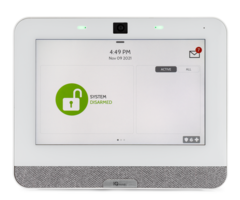
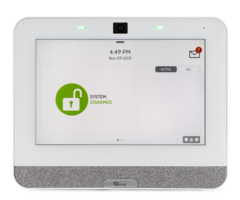
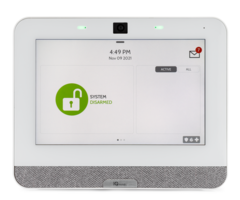
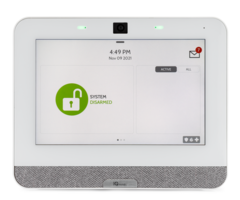
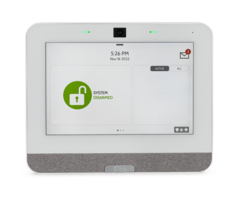
Document Transcript
TSB #:
240829
DATE:
08/29/24
RE:
IQ Panel 4/IQ4 HUB/IQ4 NS - 4.5.1 SOFTWARE UPDATE
RELEASE NOTES & UPDATE INSTRUCTIONS
Release Notes:
Fixes/Improvements:
•
Added support for a Settle Delay Timer at the end of exit delay, to allow devices to restore at time of arming.
(UK Feature) (NEW).
•
Increased panel and Alarm.com support for PowerG PIR Cameras to 20 devices up from 10 devices.
•
Corrected an issue where PG automation device command buffers could artificially be inflated.
•
Corrected an issue where IQ4 panels with IQ Hardwire PowerG Modules that updated to v4.5.0 could have
their programming change (
TSB # 240729
).
Update Instructions:
Compatibility Note: Your IQ Panel must be on software version 4.4.0 or higher and connected to WiFi to install
this updated wirelessly.
For any Panels below 4.4.0 – please review the software update instructions located at
SOFTWARE DOWNLOADS - Qolsys
1- Swipe down from the top of the screen and touch “Settings"
2- Touch “Advanced Settings”
3- Enter a valid installer code (default is 1111)
4- Touch "Upgrade Software"
5 -Touch “Patch Tag” and enter the patch
iqpanel4.5.1
then touch OK
6- Touch "Upgrade Using Network" (Panel must be connected to Wi-Fi).
Update will download and install
7- Once complete touch "OK" to reboot the Panel.
DO NOT TOUCH THE SCREEN.
The update process will take
approximately 5 minutes. After the Panel reboots the home screen will appear and the LED will turn green.
TECHNICAL SERVICE BULLETIN
IQ Panel 4/IQ4 HUB/IQ4 NS - 4.5.1 SOFTWARE UPDATE - RELEASE NOTES
- Uploaded