
How do I exit programming on Honeywell alarm keypads?
On all Honeywell keypads, provided you are not within a programming sub-menu, you can exit programming mode by pressing (*99). This will allow you to re-enter programming mode at a later date using either your installer code, or by powering the system down. Be cautious if you are in a programming sub menu, as you will have to work your way through and exit the sub menu in order to be able to exit programming by pressing (*99). It can sometimes be difficult to tell where you are in programming mode, especially how to exit sub-menus when using a fixed English keypad, and this is why it is recommended to program your Honeywell alarm system using an alpha numeric keypad.
Did you find this answer useful?
We offer alarm monitoring as low as $10 / month
Click Here to Learn MoreRelated Products

Honeywell 6160RF
Alphanumeric Alarm Keypad with Integrated Transceiver
List Price:
$312.00
Our Price:
$203.99


Honeywell 6164US
Alphanumeric Alarm Keypad with Four Integrated Hardwired Zones
List Price:
$474.00
Our Price:
$331.99

Honeywell 6151
Fixed English Alarm Keypad with Integrated Hardwired Zone
List Price:
$146.00
Our Price:
$103.99


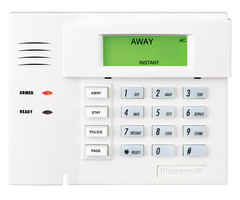
Honeywell 6150
Fixed English Alarm Keypad with Function Buttons
List Price:
$106.00
Our Price:
$75.99
Honeywell 6150RF
Fixed English Alarm Keypad with Integrated Transceiver
List Price:
$226.00
Our Price:
$159.99


Honeywell 6149EX
Fixed English Slimline Alarm Keypad
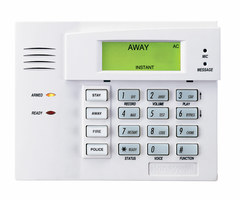
Honeywell 6150V
Talking Fixed English Alarm Keypad
Related Categories
- Answered