
Important News for All Honeywell Lyric System Users
Posted By Julia RossIf you own a Lyric system and have not already done so, please read this important update regarding AlarmNet360 changes that affect your panel. It may be time for an update!
Due to updates affecting AlarmNet360 connectivity, Honeywell Lyric security systems will see important changes as of April 15, 2026. While existing systems will continue to function normally, new system registration and remote programming features will no longer be supported after that date.
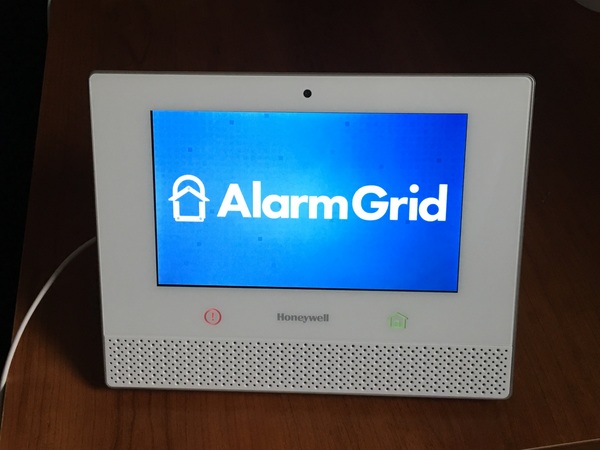
Lyric panels that are already active and monitored will continue to arm, disarm, and report alarms to a central station, if enabled. Total Connect functionality also will not change. However, after April 15, no Lyric system can be newly registered for monitoring. Read the original notice, and the followup notice.
This is especially important for anyone considering purchasing a used Lyric panel. If it is not already registered, it cannot be activated, even for self-monitoring. In that case, the system will only function as a local noise-making alarm and a basic Z-Wave controller.
Because firmware updates for the Lyric are delivered through AlarmNet360, any monitored system should be updated to the latest version prior to the deadline. The Lyric panel was discontinued in 2021, and no further firmware updates will be provided at this point.
Although remote programming through AlarmNet360 will no longer be available, users may still be able to make local programming changes directly from the Lyric touchscreen. This includes adding or deleting sensors and adjusting system settings. Although Resideo has said that they don't recommend, and will not support, local programming changes with the Lyric after the deadline, it is likely that these changes will be possible.
If you have a Lyric system using SiX Sensors and are concerned about long-term panel reliability, it may be a good time to consider upgrading to a PRO Series panel. Sadly, there is no migration path between systems. Each sensor must be removed from the Lyric and then enrolled with the new panel. If the Lyric panel fails before the sensors are removed, they will remain locked to the non-functioning panel and must be replaced along with the system.
Alternatively, you can ensure that each sensor is powered up and within range of the Lyric, then default the system. This will cause the Lyric panel to send a signal to all SiX sensors releasing them. As long as a sensor receives this signal, it can then be added to a PRO Series panel. Once enrolled, the sensor will be updated to the PROSIX protocol and will no longer be compatible with any Lyric panel.
Please note, if you have any SiXFOB key fobs associated with the Lyric panel, be sure they are within range of the panel during the default. Once the default is completed, you'll need to press any button on the SiXFOB to complete the release process. Once completed, the SiXFOB is ready to be paired with the new PRO Series panel.
We wrote a series of posts last year about preparing for the eventual Lyric end-of-life. It is a four-part series, with part one linked above. The additional parts are linked at the bottom of each post. The series outlines your options with product recommendations, along with the pros and cons of each approach.